PBC request list software for audit teams
Move the PBC list off the spreadsheet and the email thread. Each request has an owner, a review state, a risk rating and its own conversation, and the same list links to the trial balance and evidence it supports.
Updated 2026-10-17
Every auditor knows how a PBC list goes wrong. It starts as a clean Excel workbook. By fieldwork there are three versions in circulation, the controller has replied to the wrong one, half the support arrived in a zip file attached to an email nobody filed, and the senior is spending the morning reconciling “received” against “actually what we asked for”. Partners then ask the question nobody can answer quickly: is this engagement late because of us, or because of the client?
PBC request list software should replace the workbook and the inbox with one shared list that both sides work from. In InflowSheet, each engagement and period has one request list. The firm works from it and the client answers it, and the same list doubles as the audit PBC list and the tax document checklist.
Build the PBC list from what you already use
Firms rarely want to start from a blank page. A request list can be built from a previous engagement, from a saved template, or from scratch. It can also be uploaded from an Excel template, in either column or matrix form, so a list kept in Excel can be brought in rather than retyped (ask us which layouts the template accepts).
When a client rolls into a new period, the responsible people and account mappings carry forward and due dates move 12 months ahead. Chat, statuses, received files, risk ratings and last year’s TB analysis do not roll. Last year’s open questions don’t reappear as this year’s noise.
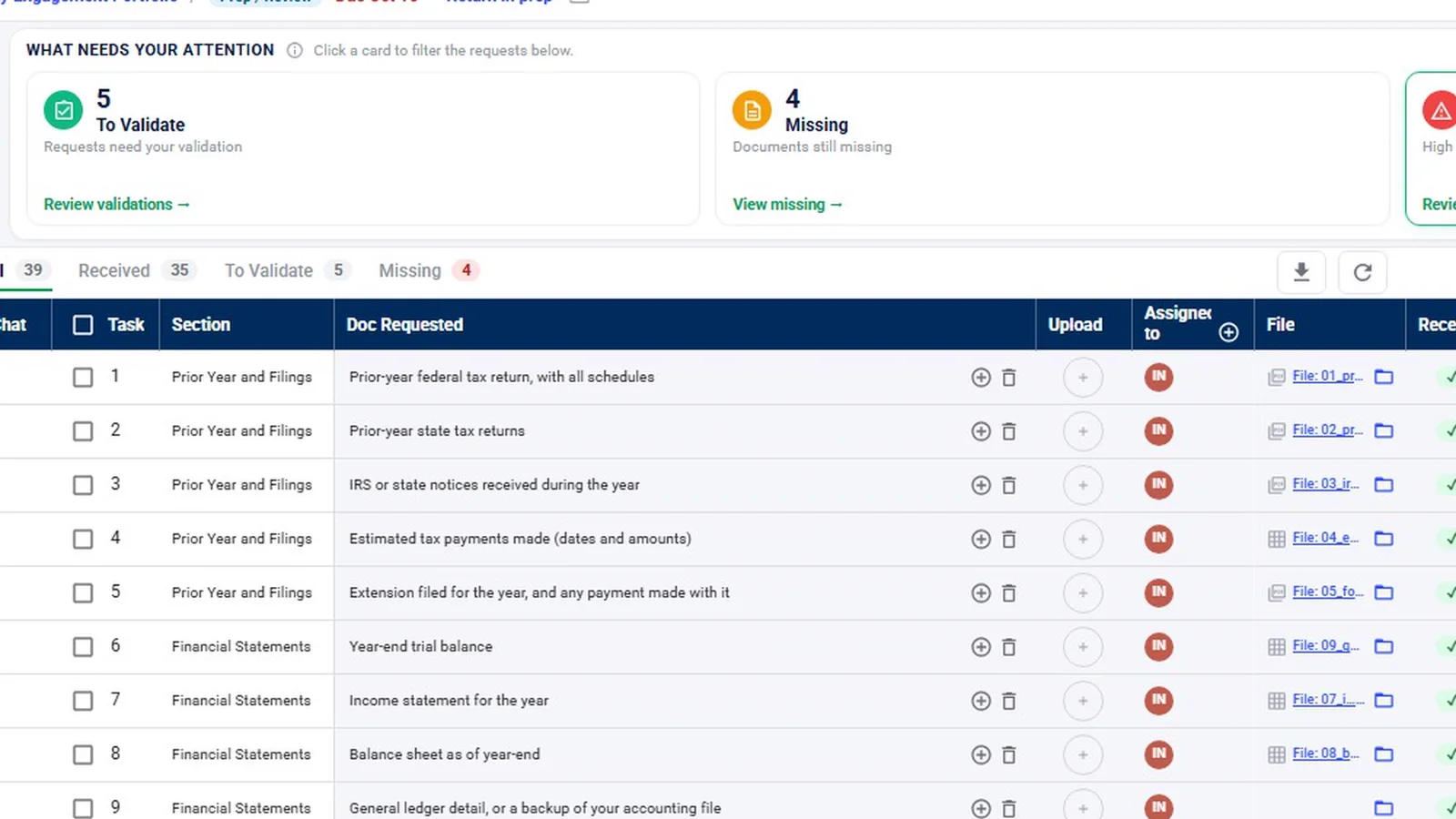
Rows are grouped into sections and show the section, the document requested, who it is assigned to, whether it has been received, its review state and its status. Every row also carries a risk rating.
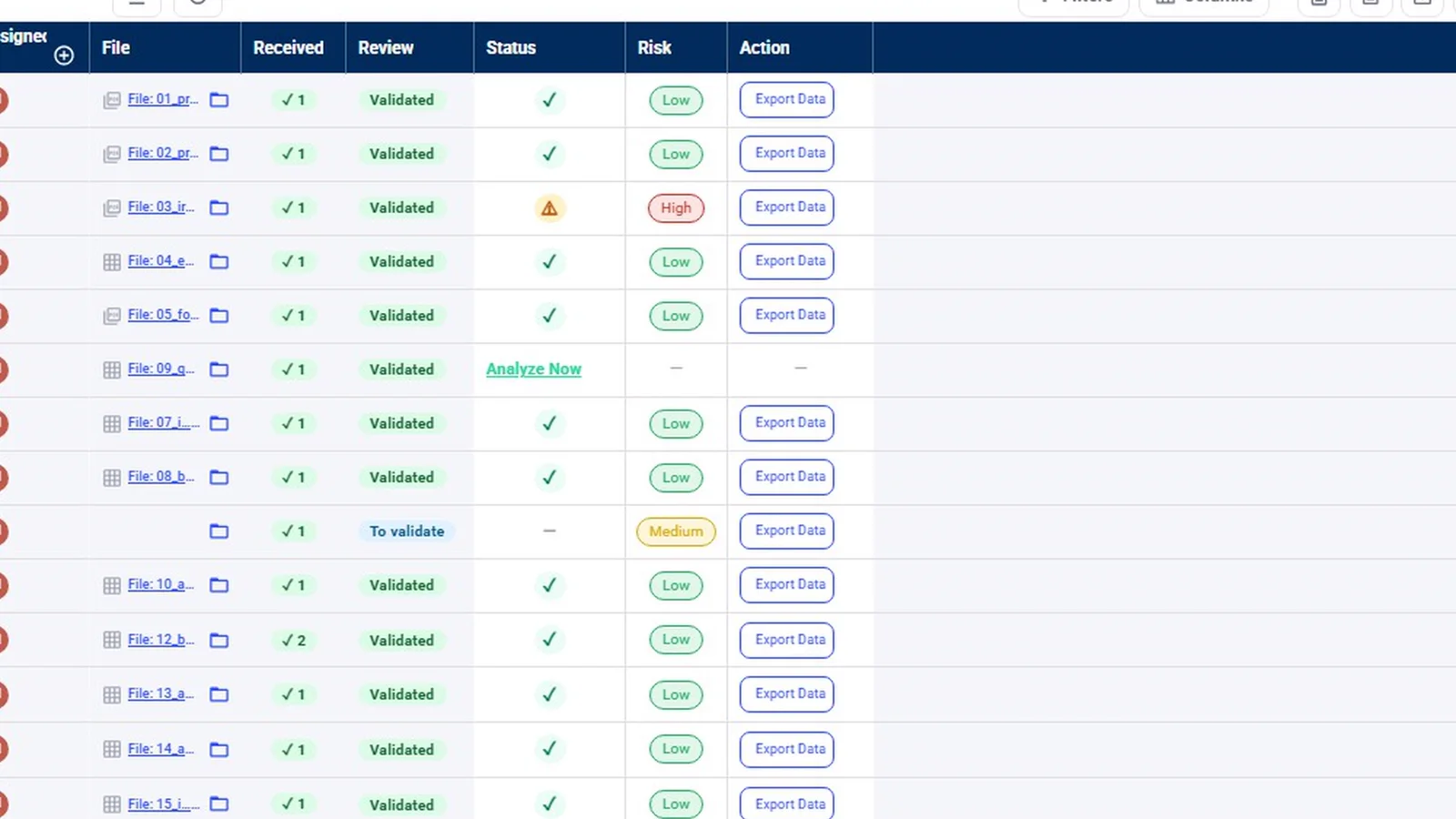
See what is waiting on whom
The review states keep the firm’s queue and the client’s queue apart:
| State | What it means |
|---|---|
| Missing | Nothing received yet. Waiting on the client. |
| To validate | Something arrived. Waiting on the firm to look at it. |
| Questioned | The firm has asked the client about what was sent. |
| Validated | Accepted by a person at the firm. |
| N/A | Not applicable to this engagement. |
Above the table, “What needs your attention” cards filter the list: To Validate, Missing, and Needs Review, which holds items that are high risk or that an agent flagged. Tabs for All, Received, To Validate and Missing, plus filters and a column chooser, keep a long audit list workable.
Across the practice, Reports show open and overdue requests, how long clients take to answer, and a “What this says” summary for each report. That is the readiness view a manager needs before deciding whether to push a client or move a field date.
Review each item, not just the receipt
Clients upload straight onto the request item, and uploads that need a look wait as pending until a firm user reviews them. A completeness agent compares each received document with what was requested and looks for the wrong type, wrong year or wrong entity. Its finding shows expected against observed, the document’s contents, suggested questions for the client and a confidence level.
The agent only recommends. A person validates the item, questions it, or leaves it to validate, on the row or in bulk. Questioning an item can send a message from the review panel straight into that request’s chat, so the controller sees what is wrong next to the document they sent. AI-assisted output requires professional review; validating stays with the engagement team.
Chasing without a second inbox
Every request row has its own chat thread. The question about the loan agreement lives on the loan agreement row. A colleague can be @mentioned on the thread and gets an email notification.
For items still missing, a Chase agent drafts a follow-up naming what is outstanding. Someone on the team edits it, approves it and posts it to the request chat as themselves, or deletes it. By default nothing goes to the client until a person approves it. The request list’s Inflow Agent panel also offers shortcut prompts, such as showing high-risk requests and summarizing progress; the demo only hovers over it, so its answers are not shown.
Tie requests to the trial balance and the evidence
A PBC list exists to support the audit file, so it helps when the list and the file are in one place. In InflowSheet the request list sits on the same engagement as the trial balance, the evidence and the audit program.
- A trial balance the client uploads to a request row can be analyzed from that row (“Analyze Now”). Importing it is what activates the financial workspace.
- The binder assembles the audit file by index, and shows what isn’t filed yet.
- On the Evidence page, staff pick a lead schedule and a source document and mark each line Supported, Derived, No evidence or Exception. See audit evidence management.
Every request row also links to its own folder in the engagement’s SharePoint (“Open folder in SharePoint”), so PBC support can live in the firm’s own SharePoint (see our Security page).
Honest notes on the demo and the limits
- The demo workspace contains only tax engagements, so the screenshots and the walkthrough show a tax request list. The audit PBC list is the same request list with your audit items in it.
- There is no formal risk-assessment module. Risk appears as a rating on each request.
- Reminders are drafted for approval by default. A firm can opt an agent into autonomous mode for routine items, and those reminder emails are held for 15 minutes before they send.
- Requests are per engagement and period. Shared documents across a tax and an audit engagement for the same client are not shown in the demo.
If you are comparing request-list tools, our Suralink alternative page sets out the differences with sources. For a practical method that works with any tool, read how to organize audit PBC requests.
Watch the request list
The request list walkthrough shows attention cards, review states, a completeness finding and a drafted follow-up on one demo engagement.
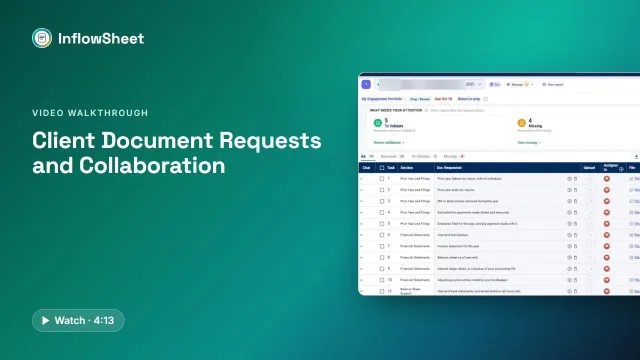 Full walkthrough · 4:13 · access requiredClient document requestsOne request list per engagement: what came in, what is wrong with it, and what to send next.
The evidence, programs and binder walkthrough picks up where the request list ends.
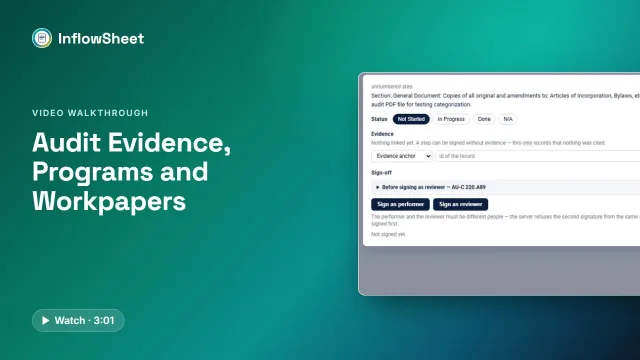 Full walkthrough · 3:02 · access requiredEvidence, programs and binderEvidence by lead schedule line, your own audit program with two signatures, and a binder indexed A to G.
InflowSheet is $10 per user per month, with the auditor request list, the trial balance and the binder included for every user. See pricing.
Questions firms ask
What is a PBC list in an audit?
A PBC list is the auditor's list of documents and schedules the client is asked to provide, such as bank statements, aging reports, the trial balance and supporting schedules. Firms expand PBC as either prepared by client or provided by client; both mean the same list.
How do we move PBC lists off Excel and email?
A request list can be uploaded from an Excel template, in column or matrix form, or built from a previous engagement or a saved template. Ask us which spreadsheet layouts the template accepts. From then on the client uploads onto each item and questions happen in that item's chat, so the spreadsheet and the email thread stop being the record.
Can I tell whether a delay is on our side or the client's?
The request list separates items that are Missing (waiting on the client) from items that are To validate (waiting on the firm). Reports show open and overdue requests and how long clients take to answer, across the practice.
Are there permission levels beyond staff and manager?
Staff roles are Tax, Audit and Consulting, alongside Admin and Super Admin, and access is scoped to the engagements each person can reach. Clients have their own limited view. Signing authority is set separately from access.
Does InflowSheet send reminders to the client automatically?
Not by default. A Chase agent drafts follow-ups for missing items and they wait until someone approves them. A firm can opt an agent into autonomous mode for routine items only, with a 15-minute hold before any reminder email goes out.
Related
See InflowSheet on your own engagements
Start with the free 90-second tour, or request access and we will walk you through it.