What is InflowSheet? A six-minute tour of engagement software for CPA firms
One engagement followed from the home screen through the letter, the request list, the return, the trial balance and the audit file, recorded in a demo workspace.
The full walkthrough opens in the library after you add your name and work email. The 90-second tour needs no email.
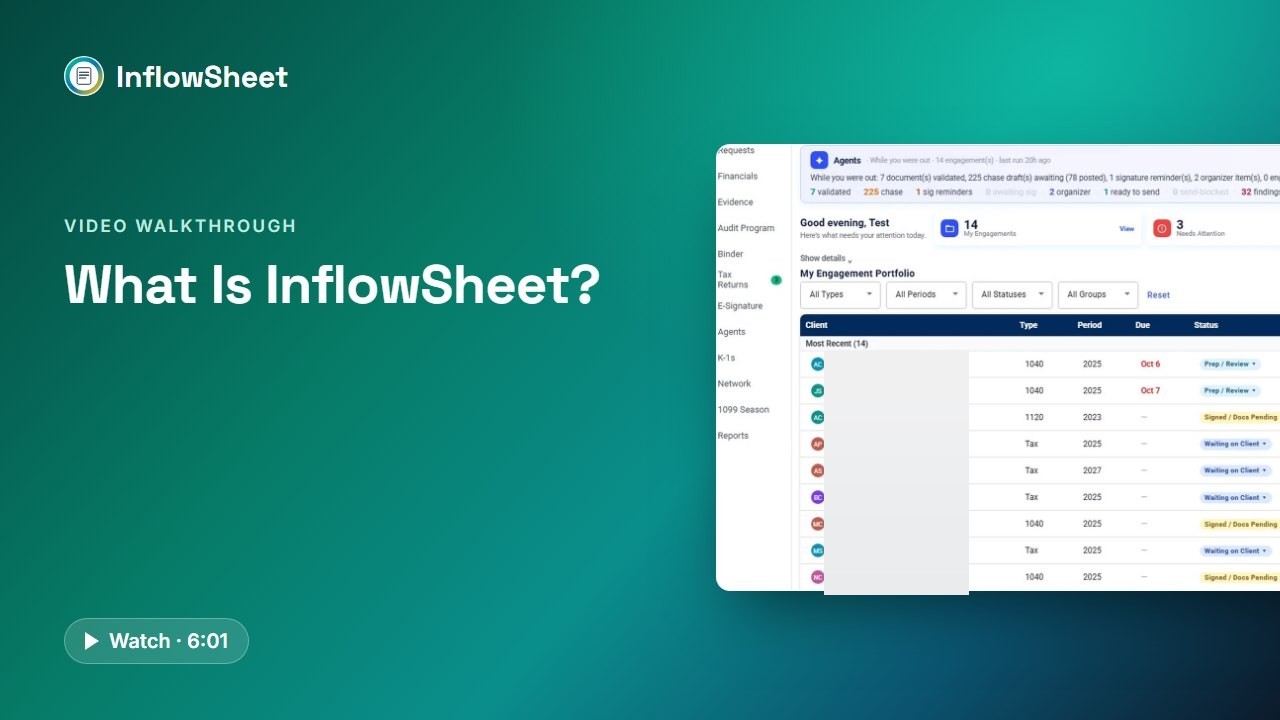 Full walkthrough in the library · 6:02
Who this walkthrough is for
This is the starting point for a firm owner, partner or operations lead who wants to know what InflowSheet is before going deeper. It covers the work that falls between tools in busy season: requests sent by email, documents arriving through several channels, a PBC list kept in a spreadsheet and an engagement letter waiting on a signature.
What the walkthrough covers
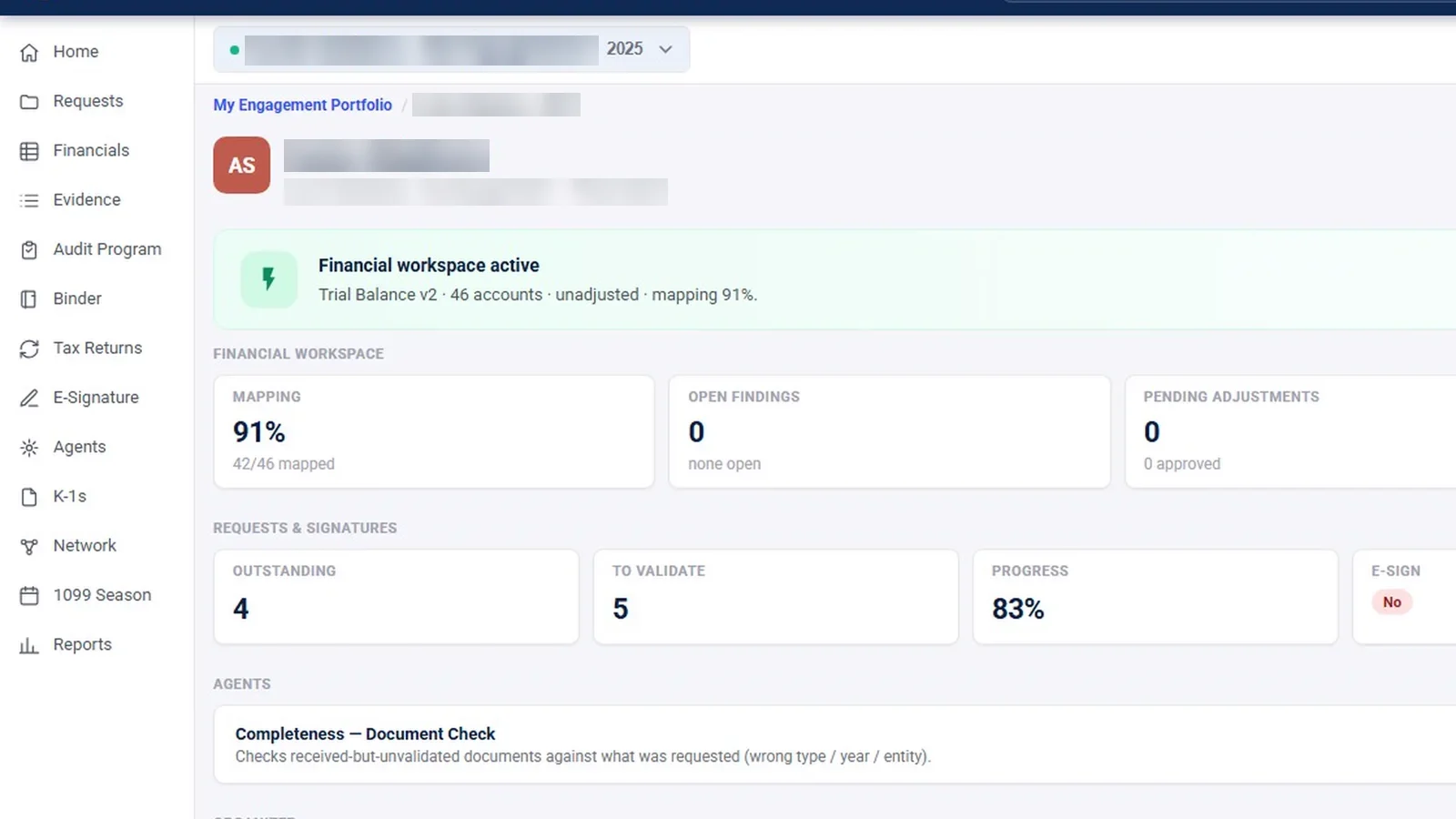
- Home dashboard: the “Here’s what needs your attention today” screen, KPI cards, the agents’ overnight summary and the Next Action link on every engagement.
- Roles and rails: how the left rail changes by role and by engagement type, and why signing authority is set separately from access.
- Engagement letters: a letter built from services and fee, signed first by the partner in DocuSign, then by the client.
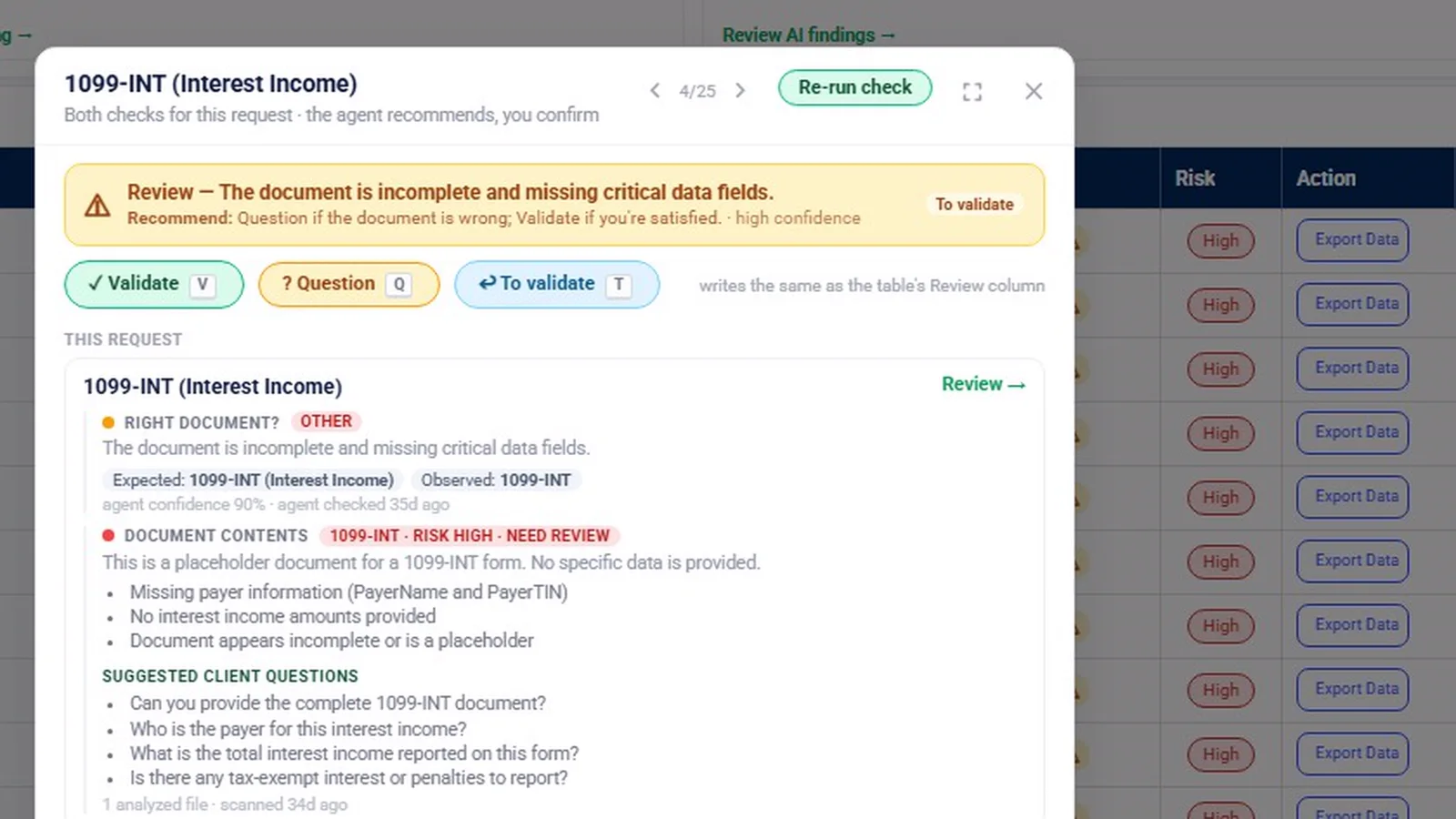
- Document requests: one list that works as the PBC list and the tax document checklist, with a completeness check and drafted follow-ups.
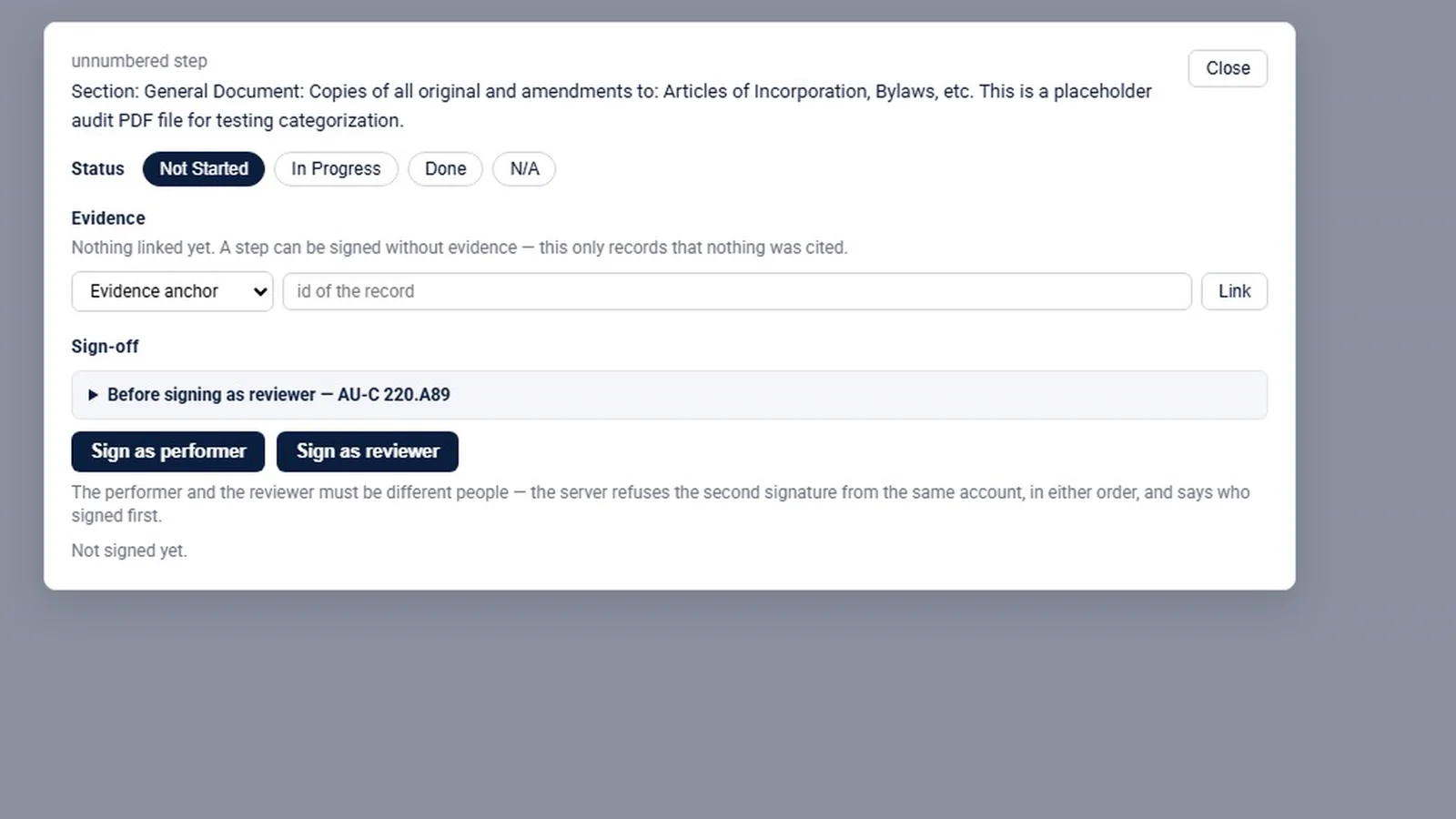
- Tax and audit: the Source Organizer, the 8879 signing order, K-1 matching, the trial balance, evidence, the audit program and the binder.
- Agents, Microsoft 365 and Reports, closing on the price.
Why it matters
Most firms run an engagement across several tools: a portal for uploads, a spreadsheet for the PBC list, email for reminders and a separate signing service. Each handoff is a place where status gets lost. This tour shows the alternative in one sitting, so you can judge whether keeping the letter, the requests, the return and the audit file on one engagement fits the way your firm works, before you spend time on the deeper walkthroughs.
What the demo data does not show
The video was recorded with one administrator login on sample data. Every demo engagement is a tax engagement, so the audit screens were filmed inside a tax engagement. Per-role rails, the signing order and some admin rules appear as labelled graphics taken from the app’s rules, not as live screens. The counts on screen, such as items waiting for review, are sample data, not customer results, and the sample clients are not customers. For questions about how AI features handle data, ask us for the current data-handling details, or see our Security page.
Related features
For the day-to-day view, watch the engagement workspace walkthrough or read about engagement management for CPA firms. If document collection is your main pain, start with client document requests. The price is on the pricing page.
Screens from the walkthrough
Questions firms ask
What is InflowSheet?
InflowSheet is engagement software for CPA firms. Engagement letters, client document requests, tax returns and e-file authorizations, the trial balance, audit evidence and the binder all sit on the same engagement, and the home screen shows what needs attention next.
How much does InflowSheet cost?
The published price is $10 per user per month. There are no modules or add-ons, and every user gets the whole platform. See the pricing page for the current details.
Do the AI agents send things to clients on their own?
Not by default. Agents propose and a person approves: a follow-up is drafted, and nothing goes to the client until someone approves it. A firm can opt an agent into Autonomous mode, which acts only on routine items and holds reminder emails for 15 minutes so they can be stopped.
Does InflowSheet e-file tax returns?
No. InflowSheet handles the Form 8879 authorization and its signing order in DocuSign. Transmitting the return happens outside InflowSheet.
Related
Watch the full walkthrough
Start with the free 90-second tour, then open the full library with your name and work email.