Engagement management for CPA firms: dashboard, next actions and the engagement overview
How the home screen answers which work comes first across every client, and how one click lands you on the step that is next.
The full walkthrough opens in the library after you add your name and work email. The 90-second tour needs no email.
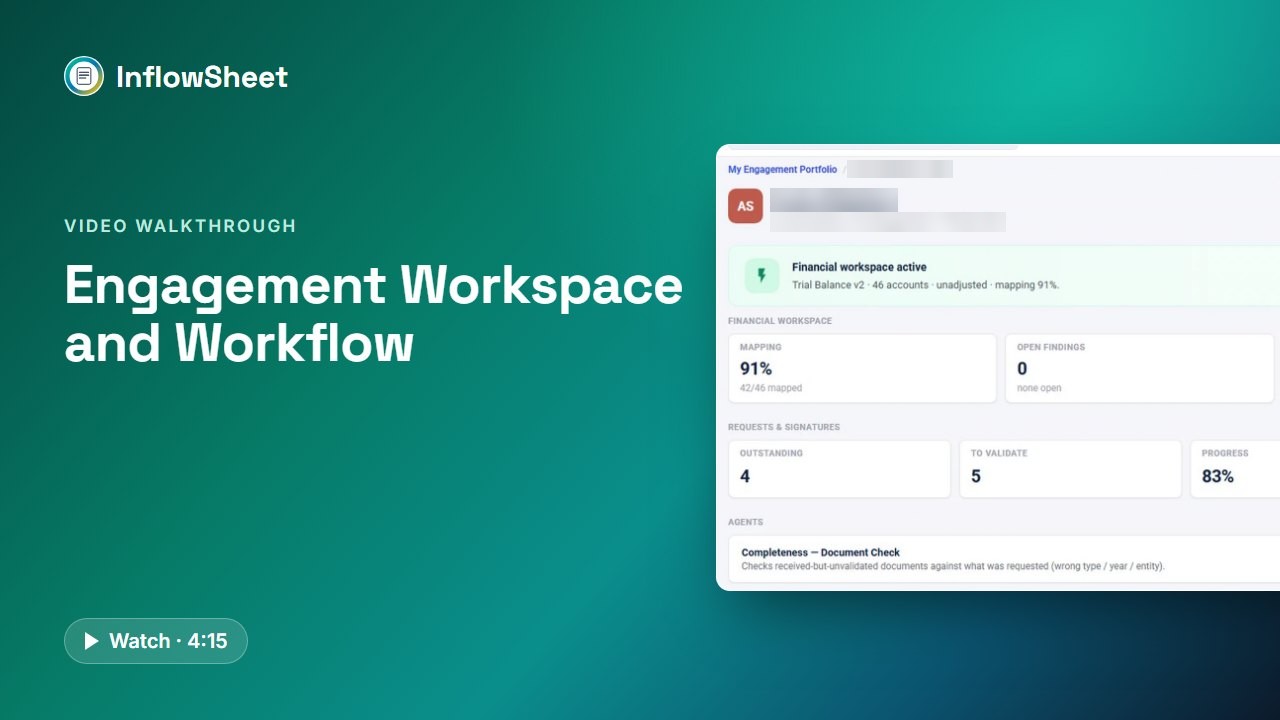 Full walkthrough in the library · 4:16
Who this walkthrough is for
Partners, managers and operations leads who answer the same question every Monday in March: which work comes first, across dozens of clients at different stages? Many firms answer it with a status sheet someone updates by hand. This walkthrough shows InflowSheet answering it from the engagements themselves.
What the walkthrough covers
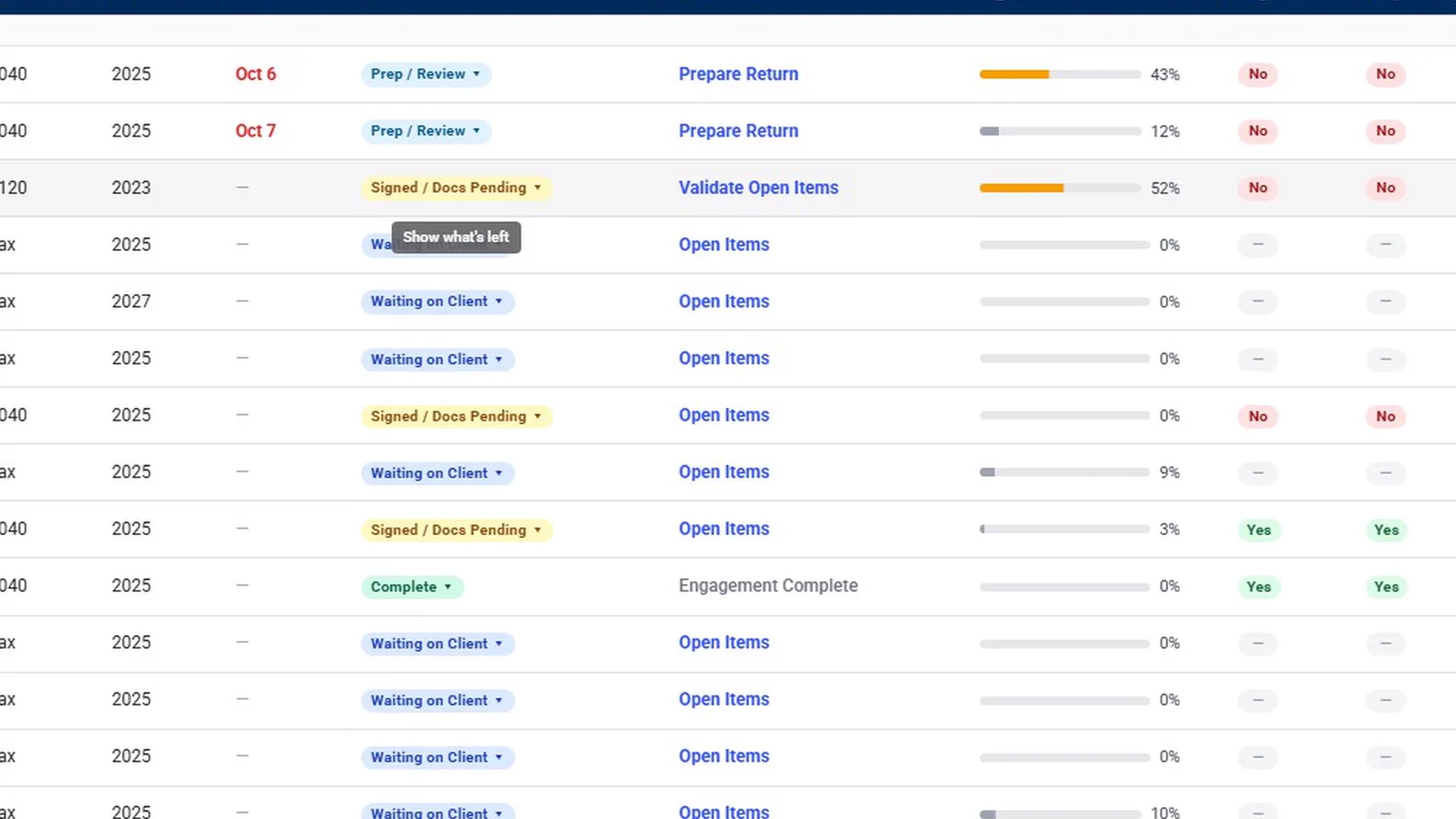
- Home dashboard: five KPI cards (My Engagements, Needs Attention, Waiting on Client, Ready for Signature, Ready for Export), the agents’ “While you were out” line, and the portfolio with its filters.
- Next actions: clicking Validate Open Items opens that client’s request list already filtered to the items waiting for validation; return and letter steps open Tax Returns or E-Signature.
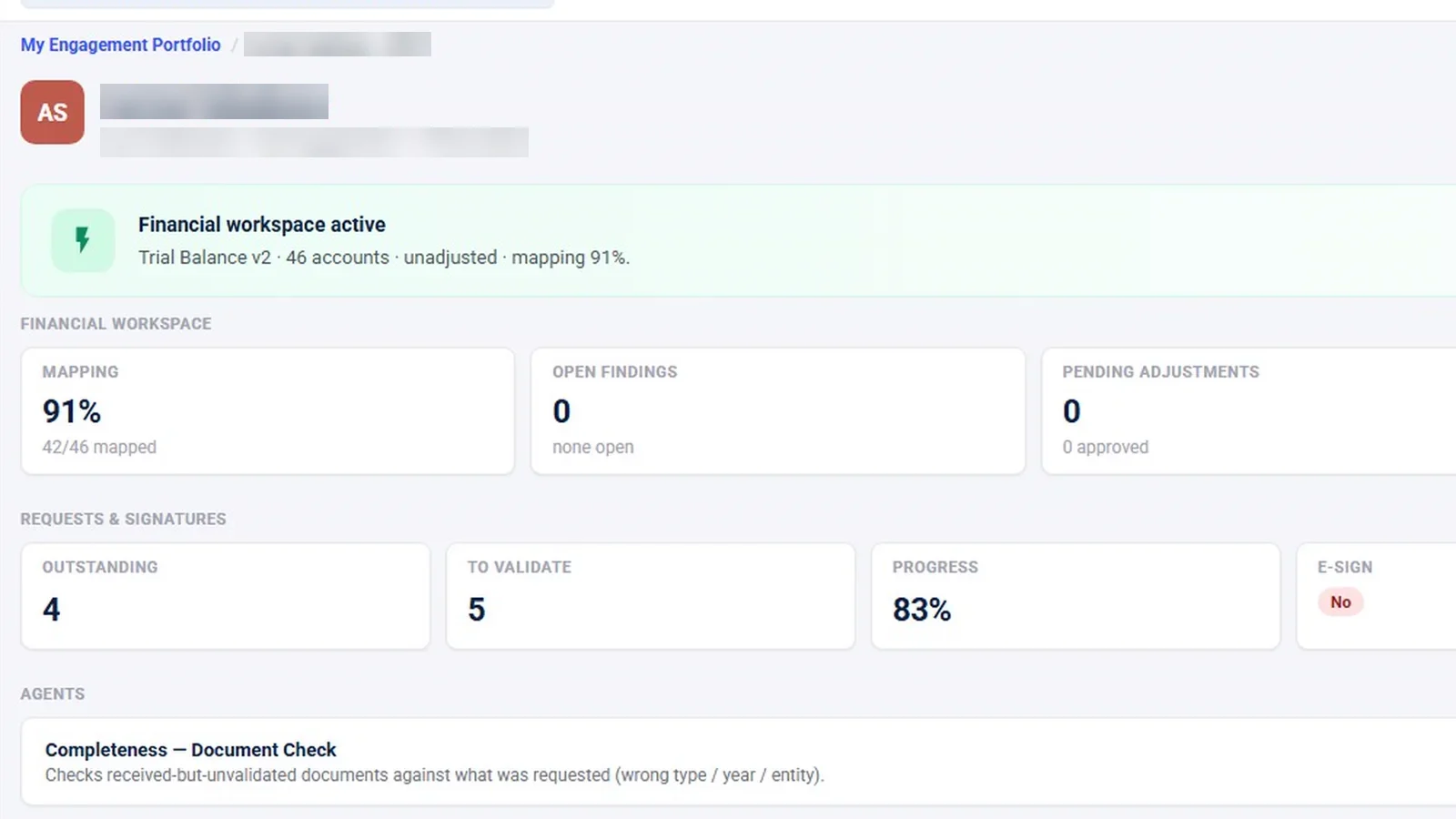
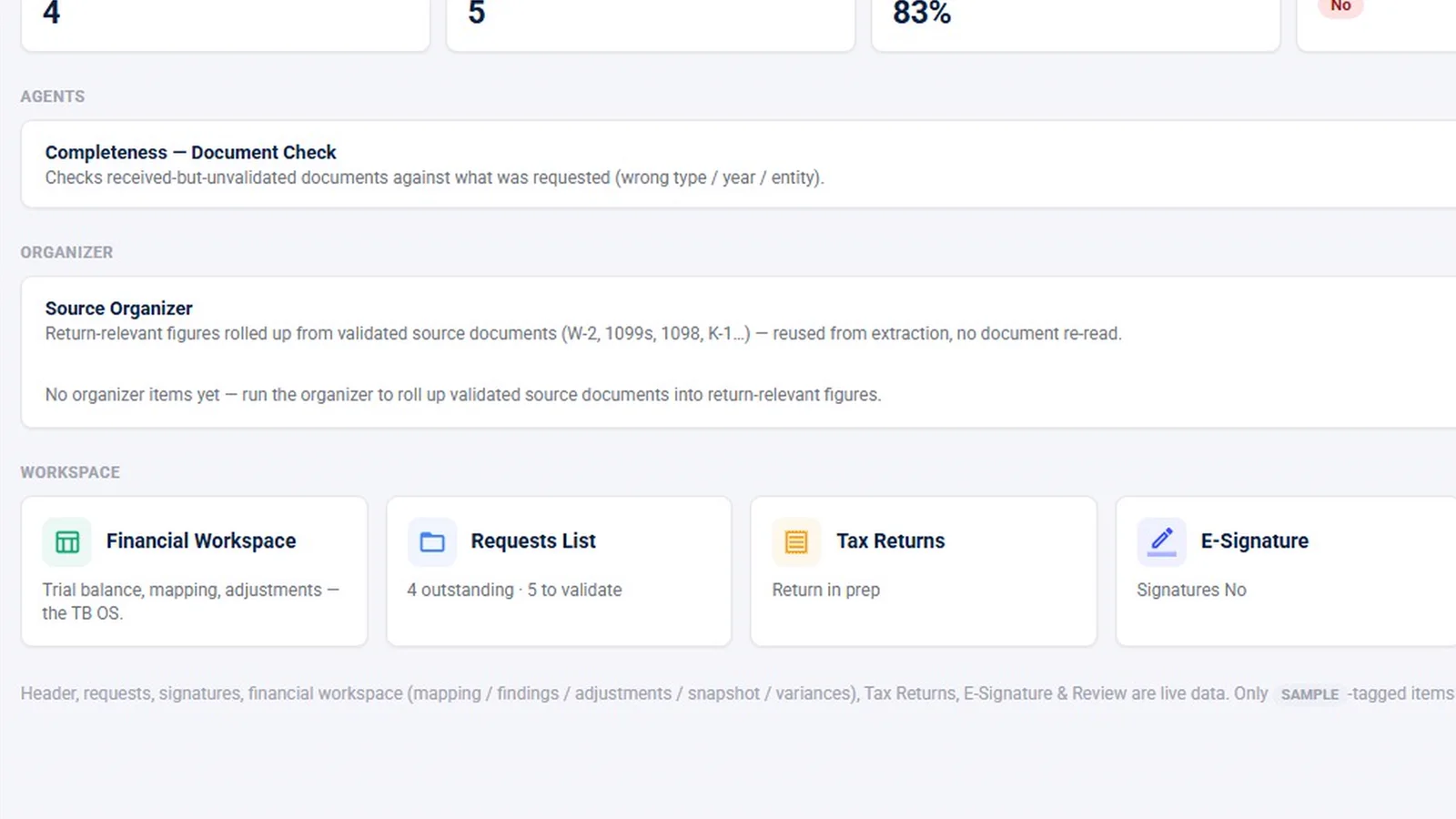
- Engagement overview: the financial workspace card, request and signature counts, and workspace cards for each area, including the review console.
- Around the engagement: the crumb bar, the engagement switcher, the Manage menu and status chips that follow the work.
- Network and Reports: the related-entity view and a practice view of overdue requests and slow responses.
Why it matters
A status sheet is only as current as the last person who updated it. When the next step comes from the engagement itself, the list of what needs attention stays current without a weekly round of updates, and a manager can move from the firm-wide view to the exact screen where a step is done in one click.
What the demo data does not show
The Network page in the demo shows only a “not linked yet” message, so ownership and K-1 links between entities are described, not shown. Export and Archive on the Manage menu were seen but never clicked, and items tagged “soon” on that menu are not available features. The report export buttons were not clicked. All demo engagements are tax engagements, and the counts on screen are sample data, not results.
Related features
Read how this fits into engagement management for CPA firms, or the guide on organizing engagement documentation. To see why the rail and next actions differ by person, watch roles and permissions. The request list behind Validate Open Items is covered in client document requests.
Screens from the walkthrough
Questions firms ask
How does InflowSheet decide what to work on next?
Every engagement shows a Next Action, such as Prepare Return or Validate Open Items, taken from where the engagement stands. Each one is a link to the screen where that step is done.
Can the portfolio be filtered by status or client group?
Yes. The portfolio filters by type, period, status and group, and each KPI card's View link filters it further. Older periods and archived engagements sit in their own sections below.
Can reports be exported?
Reports have PDF and Excel export buttons, with tabs for requests, tax returns, e-signature, 1099 Season, K-1s and Network, financials and agents. The demo did not run an export.
Does InflowSheet handle billing or time tracking?
No. InflowSheet manages the engagement work itself: letters, requests, returns, signatures, the trial balance and the audit file. Billing, invoicing and time tracking are not part of it.
Related
Watch the full walkthrough
Start with the free 90-second tour, then open the full library with your name and work email.