Tax workflow software walkthrough: organizer, 8879 signing, K-1s and 1099s
One path from validated source documents to a signed Form 8879, with K-1 distribution and the 1099 season alongside.
The full walkthrough opens in the library after you add your name and work email. The 90-second tour needs no email.
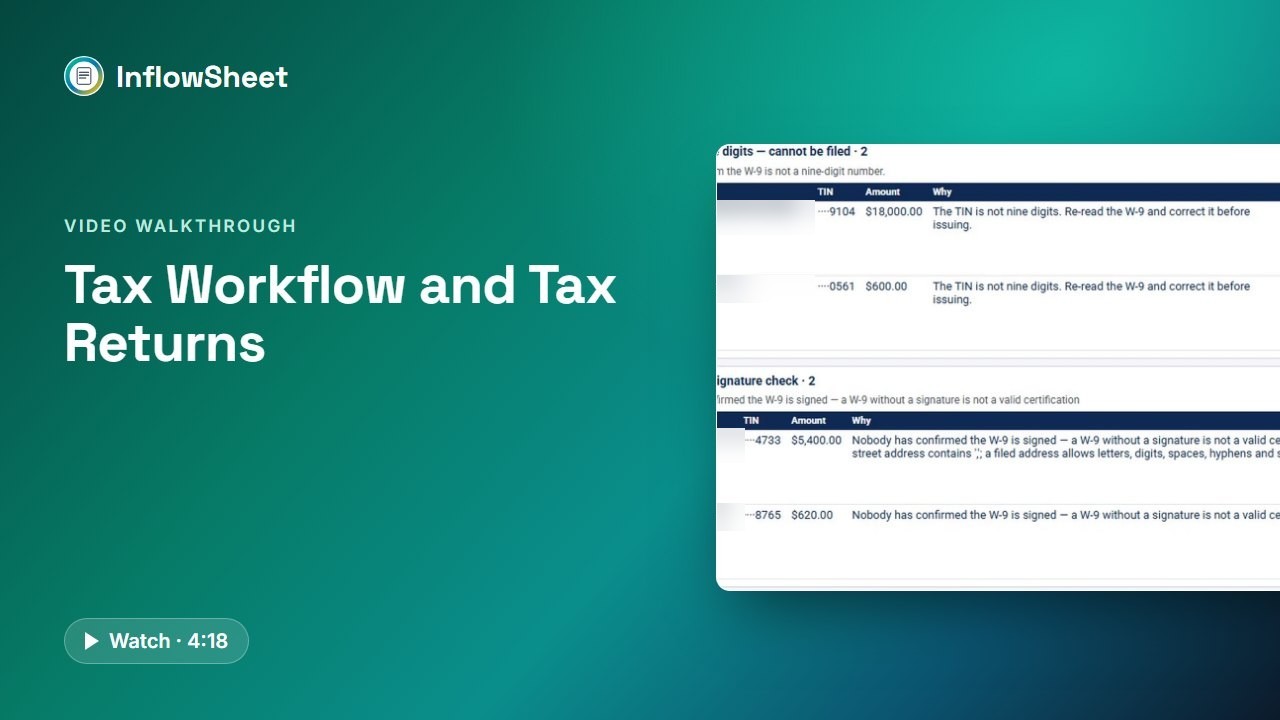 Full walkthrough in the library · 4:19
Who this walkthrough is for
Tax partners, tax managers and the admins who track signatures in season. The return is often the easy part; the hard part is knowing which 1099s are still missing, whether the client signed the 8879, who the ERO is on this one, and whether the K-1s went to the right partners.
What the walkthrough covers
- Source Organizer: figures from validated W-2s, 1099s, 1098s and K-1s rolled up into return-relevant numbers, accepted by a person.
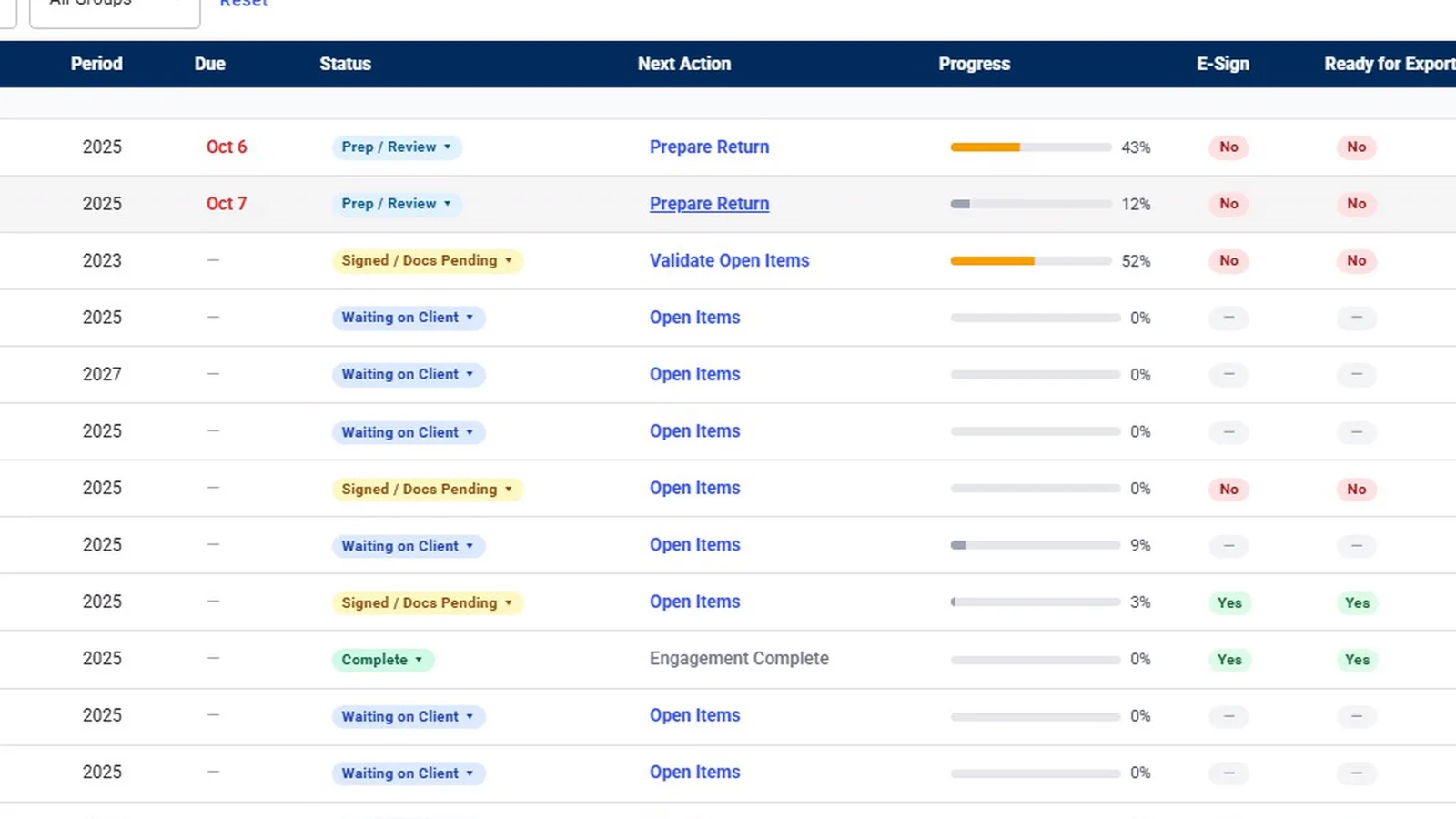
- Tax Returns: counters for ready to send, out for signature, signed this week and out more than five days; Client Copy intake; and review checks on AGI, total tax, filing status, address and direct deposit.
- Signing order: an optional client review, Needs ERO until an ERO is assigned, the client signing in DocuSign before the ERO, optional KBA, re-issue and joint returns.
- K-1 distribution: five steps, with matching that proposes and never confirms on its own.
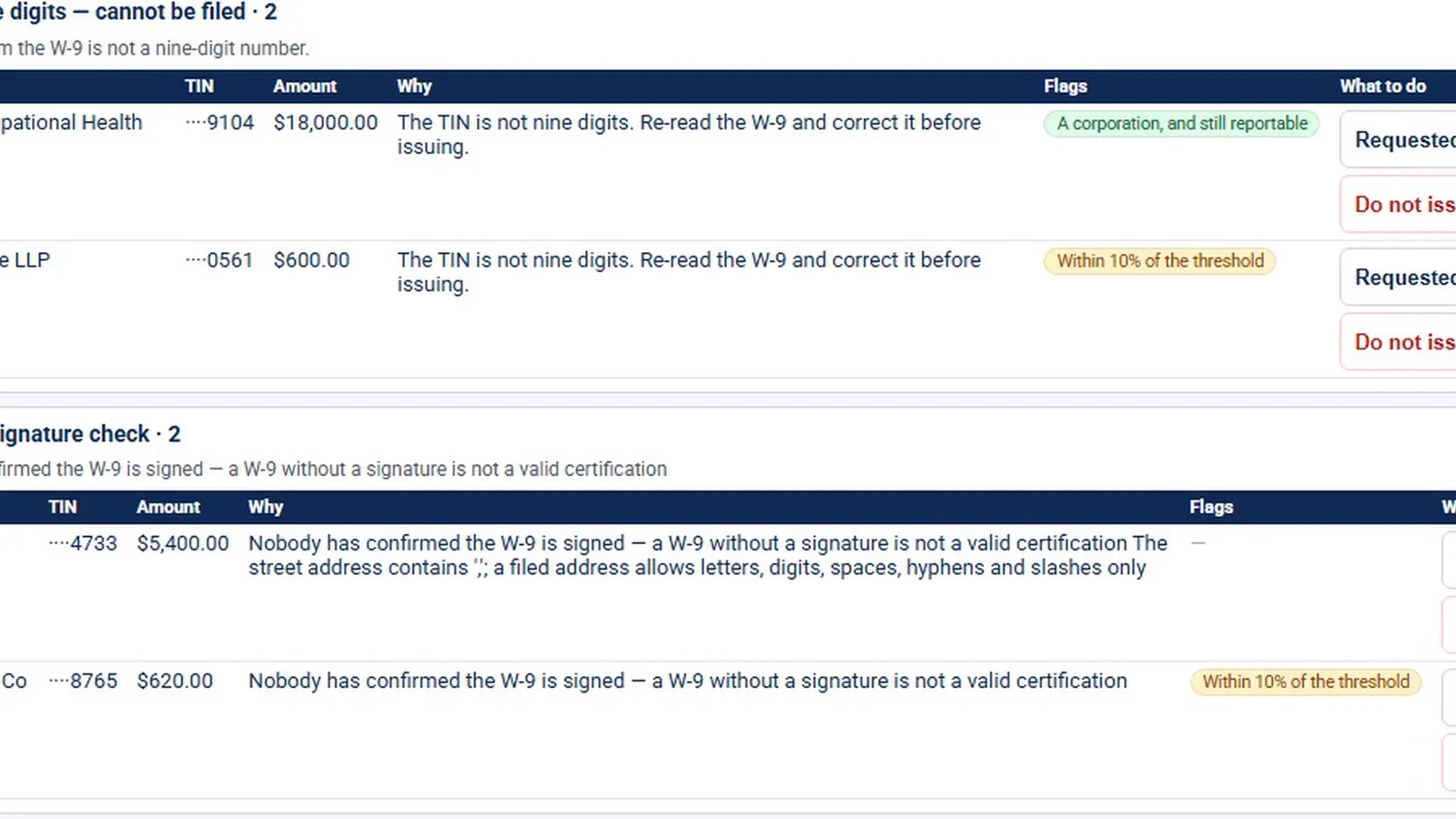
- 1099 Season and notices: W-9 signature checks, vendor thresholds, recipient copies, a manual IRS filing step, and IRS or state letters tracked by their printed response date.
Why it matters
Tax season problems are often tracking problems: a missing 1099, an 8879 that was never signed, or a K-1 sent to the wrong partner. Seeing documents, return review, signature status, K-1s and 1099 work side by side on the engagement makes those gaps visible earlier. InflowSheet does not prepare or transmit returns; it organizes the work around them.
What the demo data does not show
The demo has no organizer items and no notices, so those pages appear in their empty state. Package intake, the ERO and KBA steps, and the 1099 workflow detail are graphics based on the app’s code; only the 1099 seasons list was filmed. The optional client review is a per-firm setting and is not on for every firm. InflowSheet does not transmit returns. The partners, payers and amounts shown are sample data.
Related features
Read about tax workflow software for CPA firms and Form 8879 e-signature, or the guide to K-1 collection. The signing screens are covered in more depth in engagement letters and e-signatures.
Screens from the walkthrough
Questions firms ask
Does InflowSheet e-file returns or 1099s?
No. InflowSheet handles the Form 8879 authorization and signatures, and filing 1099s with the IRS is a manual step: a person uploads to IRIS and records the receipt ID or any rejections back in InflowSheet.
Can clients sign Form 8879 electronically with identity verification?
Clients sign the 8879 in DocuSign first, then the assigned ERO. A firm setting, Tax Return KBA, requires DocuSign knowledge-based authentication for client signers on tax returns.
Does it integrate with CCH, UltraTax, Lacerte or Drake?
There is no direct tax-software integration. The firm uploads the Client Copy PDF from its tax software, or drops it in the engagement's SharePoint returns folder, and InflowSheet reads the package and lifts out the 8879.
How are K-1s sent to partners?
The firm drops in the K-1 PDFs and pastes a partner roster. Matching proposes a recipient for each K-1 and a person confirms it. Recipients get a notice, verify their email with a one-time code, agree to electronic delivery and then download.
Related
Watch the full walkthrough
Start with the free 90-second tour, then open the full library with your name and work email.