Engagement letter software for CPA firms: generate, partner-sign and send for e-signature
The right signature in the right order: the partner approves the letter first, then the client signs, and every envelope is tracked in one place.
The full walkthrough opens in the library after you add your name and work email. The 90-second tour needs no email.
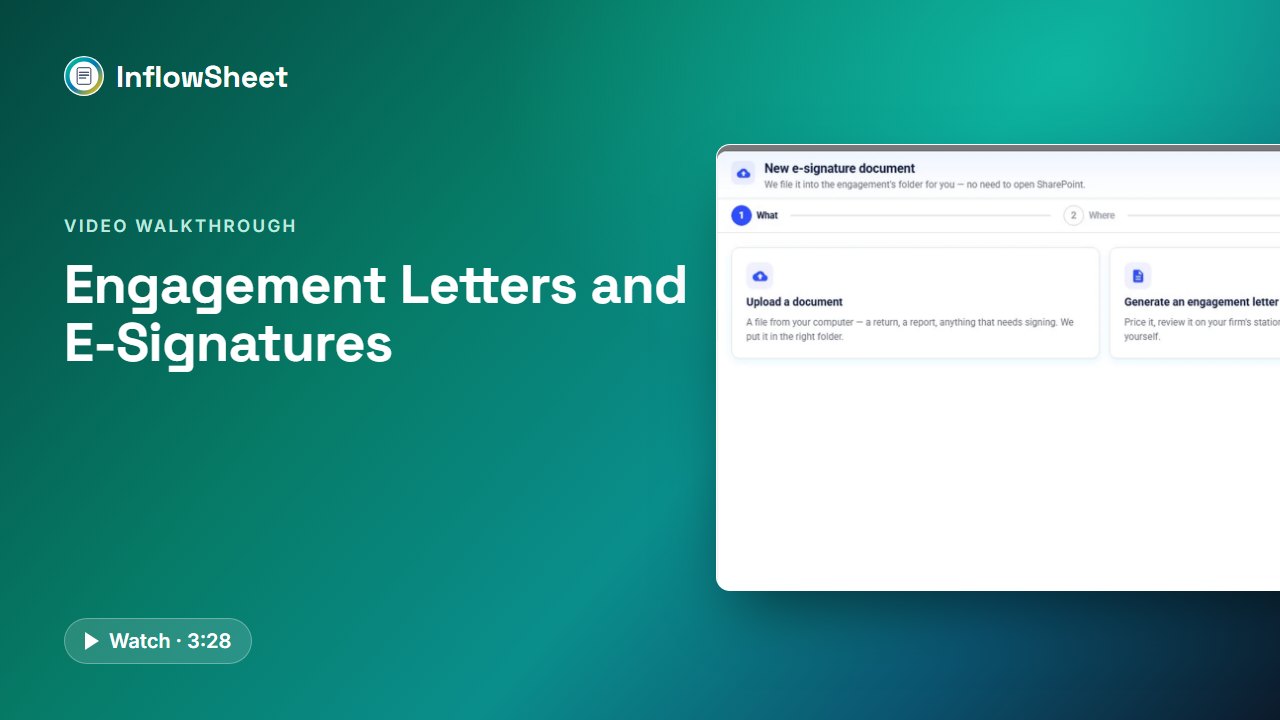 Full walkthrough in the library · 3:29
Who this walkthrough is for
Partners and admins who are tired of the engagement letter loop: edit last year’s Word file, email it to a partner, wait, send it to the client, wait again. It also suits tax managers who want to see how return signatures differ from letter signatures.
What the walkthrough covers
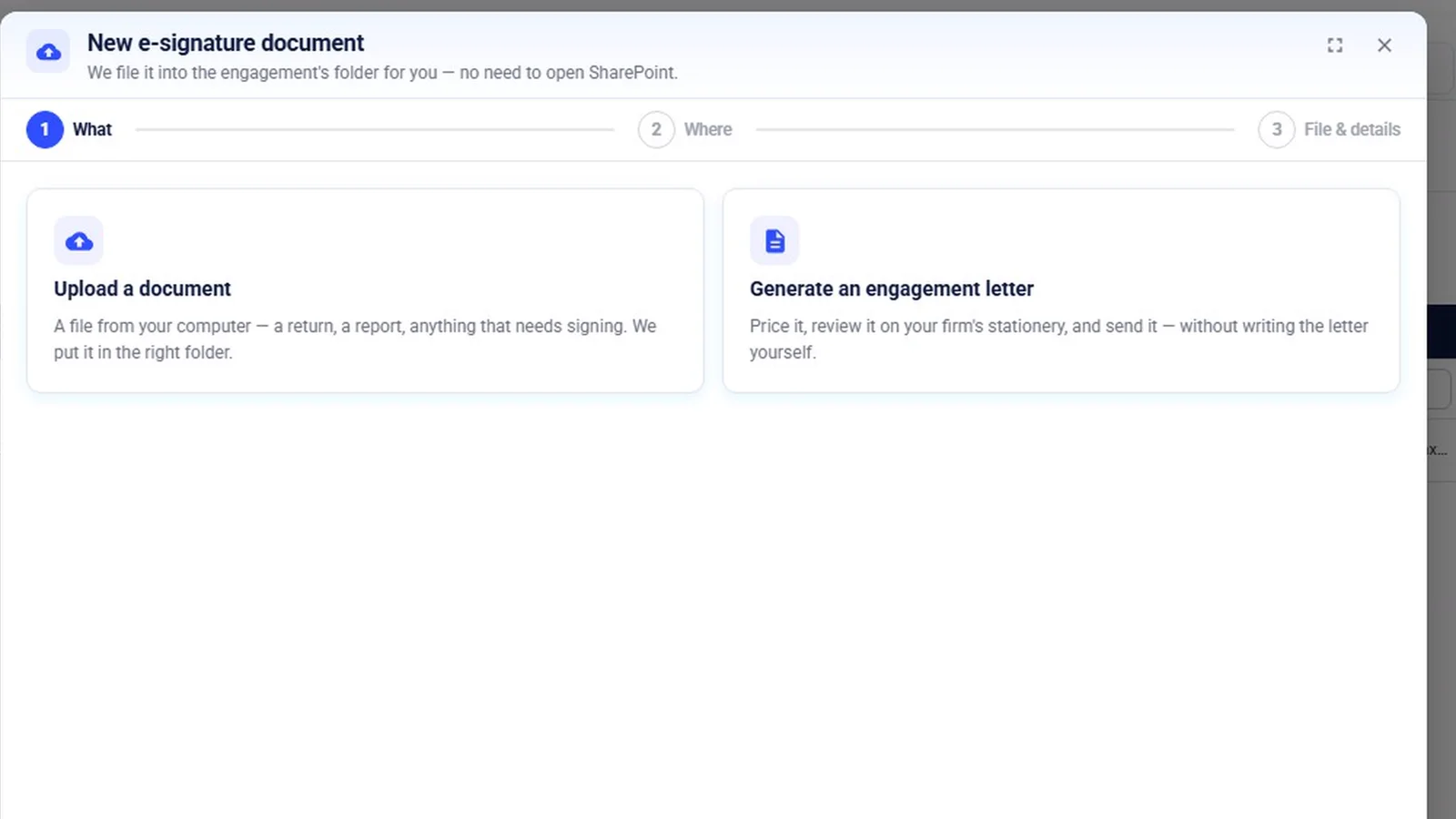
- New e-signature: either upload a document that needs signing, or generate an engagement letter.
- The letter wizard: three steps (select and price, review and edit, send and track). Step one sets the engagement, letter type, period, services from your library, fee, signing partner and assignee. Types include engagement, representation and management letters.
- Gaps and bulk: a flag such as “No client contact on this engagement” before anything goes out, and bulk letters across several engagements.
- Partner first: only partners with access to the engagement are offered, a firm-wide default signing partner, and the partner’s final review before signing in DocuSign.
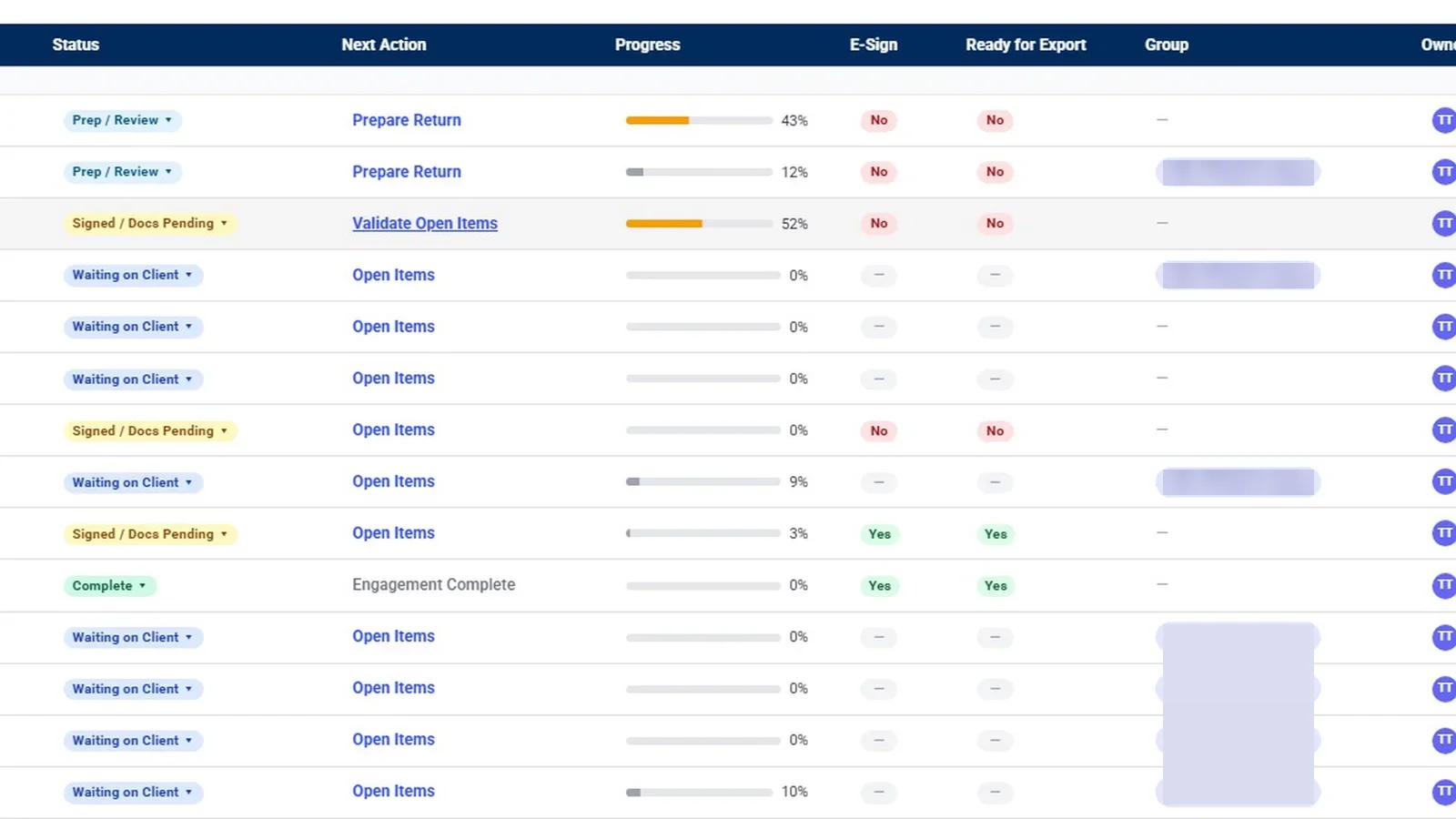
- Tracking: statuses from awaiting partner to signed, counters for envelopes out more than five days, and a Signature Chase agent that drafts reminders.
- Returns and the ERO: client first, then the assigned ERO, with optional KBA and re-issue.
Why it matters
Engagement letters stall when they bounce between Word, email and a signing service, and nobody is sure whether the partner approved the final version. A fixed order, partner first and then the client, with every envelope on one list, removes that guesswork. Return signing follows its own order: client first, then the ERO.
What the demo data does not show
Only step one of the letter wizard was captured; review and edit, and send and track, are described from the app’s screens. The partner signing step, the ERO and Partner Verifier flags, and KBA are graphics based on the app’s code, and the letter settings page was not filmed. The partner’s review checklist is a set of labels, not tracked checkboxes. Of the envelope statuses, only In Progress was seen in the demo, and the sample clients are not customers.
Related features
Read about engagement letter software and Form 8879 e-signature, or the guide on organizing engagement documentation. For the return side of signing, watch the tax workflow walkthrough.
Screens from the walkthrough
Questions firms ask
Who signs the engagement letter first?
The partner signs first, in DocuSign, to approve the letter. It is then locked and goes to the client exactly as reviewed.
Can we edit a letter in Word?
Yes. Letters print on the firm's stationery, and you can download a letter, edit it in Word and upload the final. It still waits for someone to mark it ready.
Can we send engagement letters in bulk?
Yes. Select several engagements in the letter wizard and copy the first row's partner and owner to the rest.
How does the client sign?
The client gets a link, confirms their email with a 6-digit code, and signs in DocuSign inside the page. The signed document is filed in the engagement's SharePoint folder.
Related
Watch the full walkthrough
Start with the free 90-second tour, then open the full library with your name and work email.