Trial balance mapping, variance analysis and lead schedules: walkthrough
The financial workspace inside the engagement, from TB import and mapping to lead schedules and the Financial Review Console.
The full walkthrough opens in the library after you add your name and work email. The 90-second tour needs no email.
 Full walkthrough in the library · 3:59
Who this walkthrough is for
Audit and review managers, and anyone who has had to ask which version of the TB the lead schedules were built on. The trial balance is usually a spreadsheet that gets copied, re-mapped and re-footed each year. This walkthrough shows it kept inside the engagement instead.
What the walkthrough covers
- Trial balance: import from a file or QuickBooks Online, versions, the foot check, and the TB table with unadjusted, adjusted, prior and variance columns. A TB uploaded to a request row can be analyzed from that row.
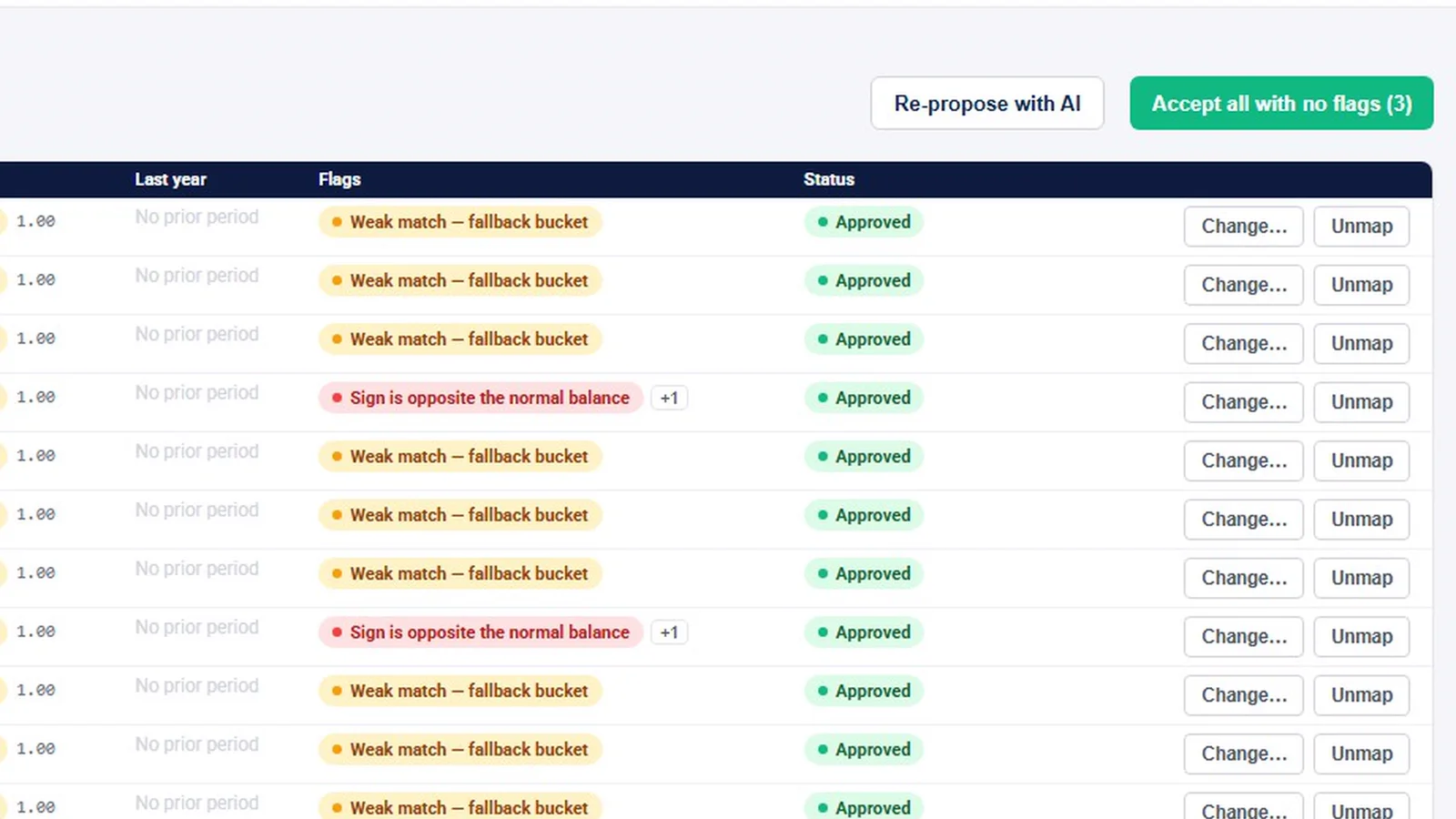
- Mapping: proposed mappings with reasons and flags, accept-unflagged in one pass, and mapping progress as a percentage.
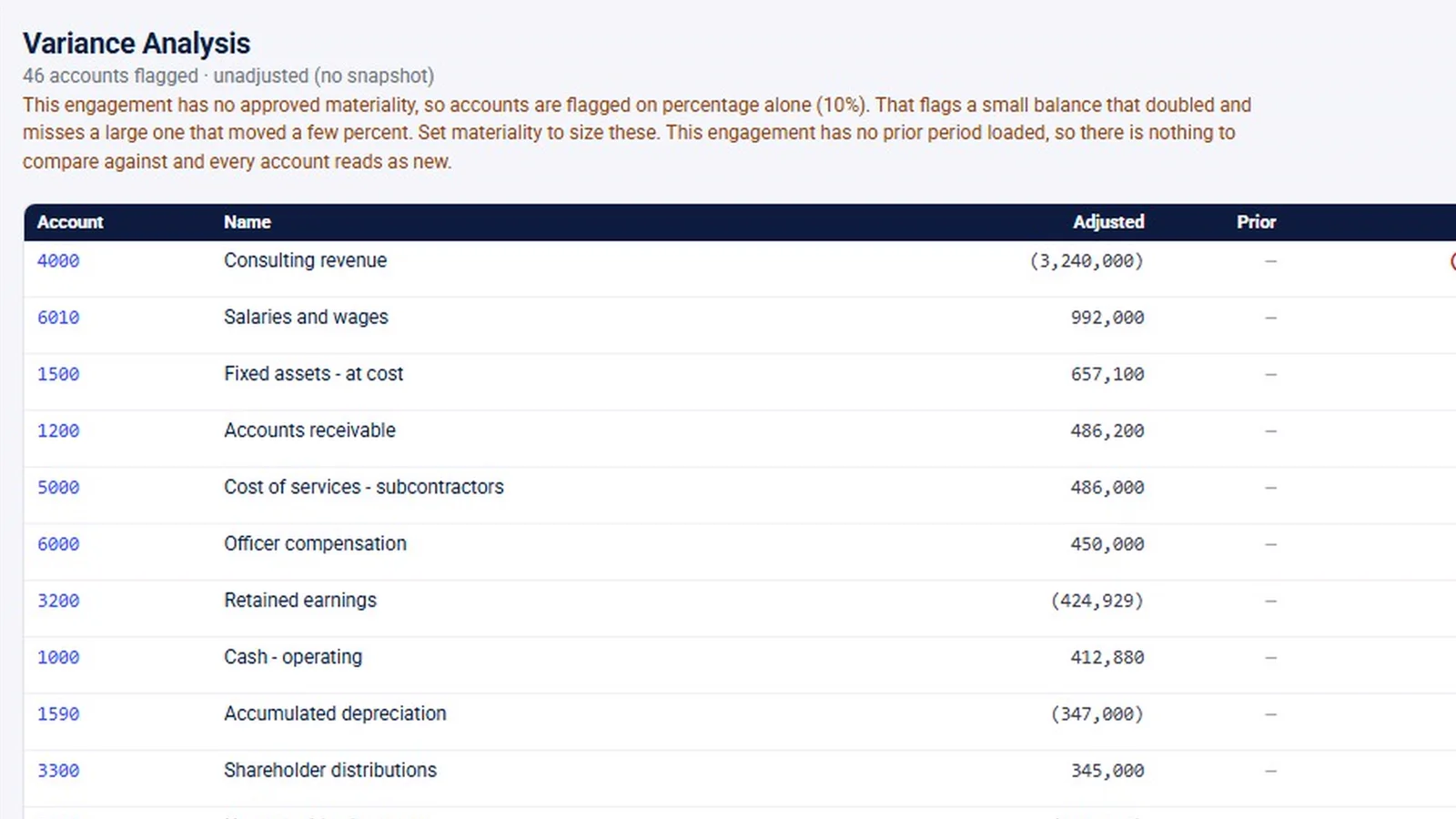
- Analysis: variance flags, “Draft all with AI” commentary for a person to edit and approve, per-account commentary, and anomaly detection.
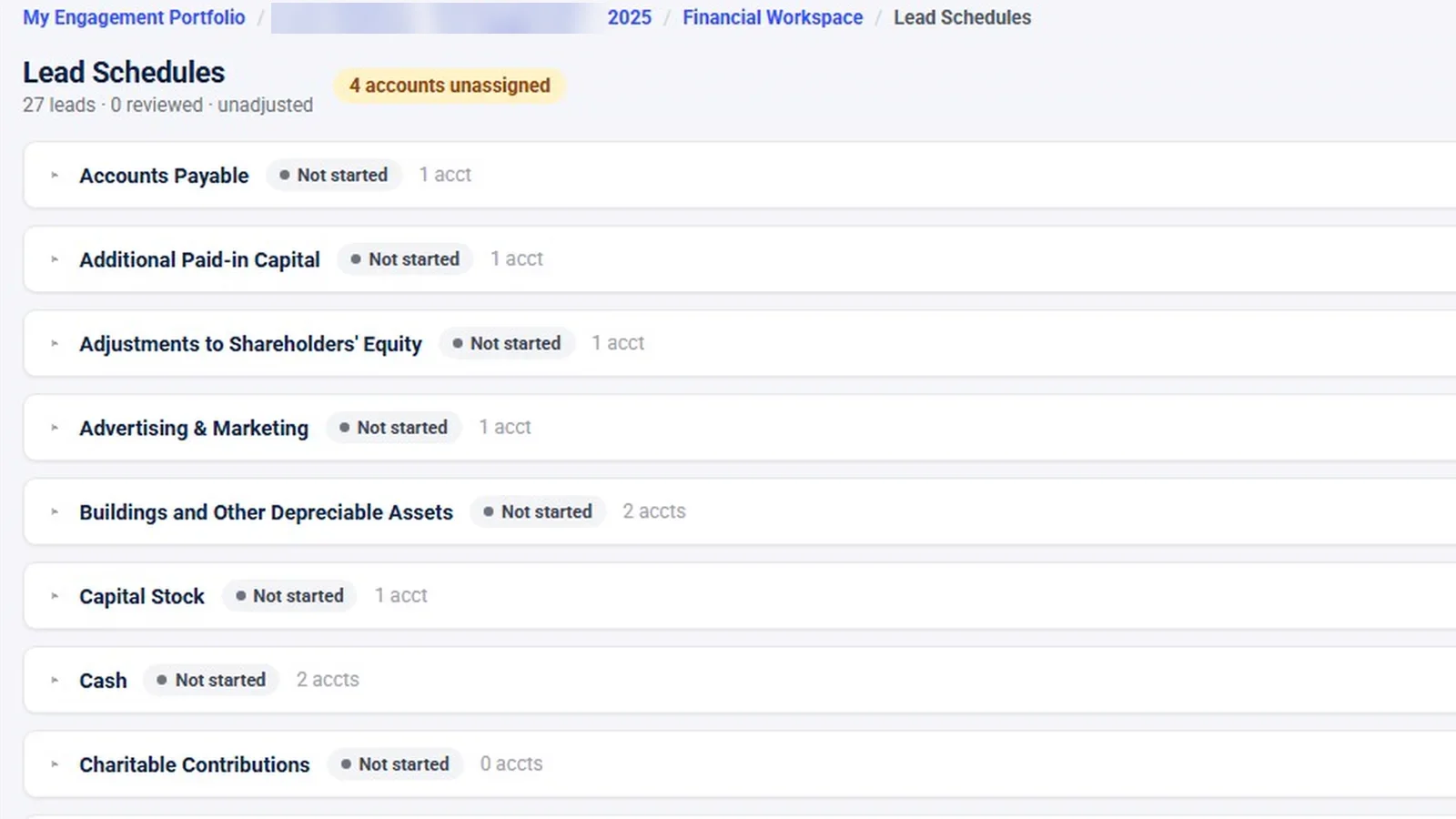
- Support: balanced draft adjustments approved before they post, tie-outs including the automatic foot tie-out, and lead schedules with preparer and reviewer sign-off.
- Review console: the open decisions, each linked to where it gets fixed. The console has no sign-off of its own.
Why it matters
When the trial balance lives in a spreadsheet, every re-import risks breaking the mapping and the lead schedules built on it. Keeping versions, mappings, variance commentary and sign-offs together in the engagement makes it clear which numbers the work was based on and who reviewed what. It also means a reviewer can follow a figure from the TB through its mapping and commentary to the lead schedule without leaving the engagement.
What the demo data does not show
The demo has no audit engagement, so the workspace was filmed inside a tax engagement. No prior period is loaded, so every variance reads “new”. Anomaly detection was never run and the adjustments page has no entries, so both appear as empty states. The QuickBooks Online import was not filmed, and the AI buttons were not clicked. The 91% mapped figure is sample data, not a benchmark.
Related features
Read about trial balance software and the guide to a trial balance review workflow. The work that sits on top of the TB, evidence, the audit program and the binder, is in the audit evidence and workpapers video.
Screens from the walkthrough
Questions firms ask
Can the trial balance come in from QuickBooks Online?
Yes. A TB can be imported from a file, or from QuickBooks Online once the client's company is connected through Intuit's consent screen. Each import is a new version, and InflowSheet checks that it foots.
Does AI map the accounts automatically?
AI proposes a mapping for every account and shows why, with flags such as a weak match. A person accepts the unflagged rows in one pass and decides flagged rows one at a time; rejecting a mapping takes a reason.
What happens to mappings on the next import?
Mappings carry forward between imports. A carried-forward mapping is marked as not reviewed this time, so it still gets a look.
Does InflowSheet produce financial statements?
No. There is no financial-statements module. The workspace covers the TB, mapping, variance, anomalies, adjustments, tie-outs, lead schedules and the review console.
Related
Watch the full walkthrough
Start with the free 90-second tour, then open the full library with your name and work email.